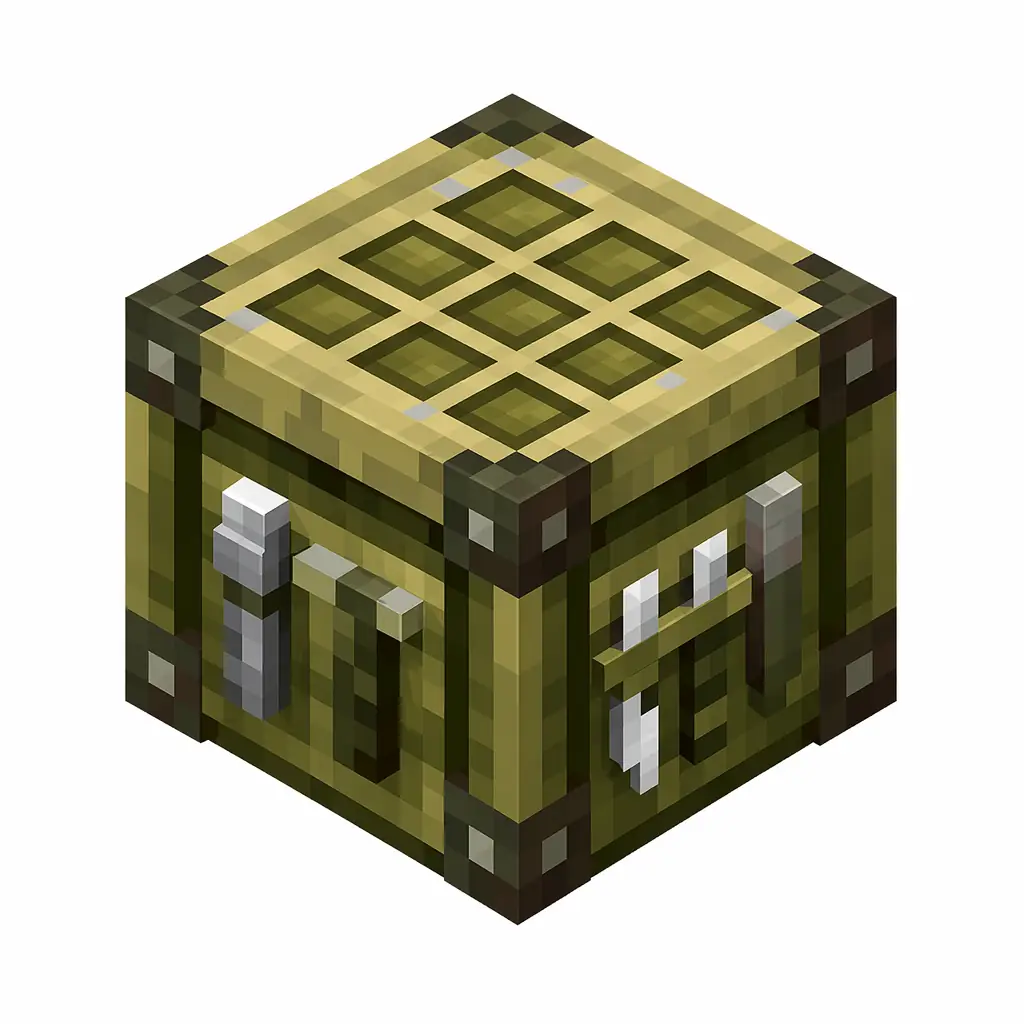
Pixel art illustration of a cartography table block with a map grid on the top
Minecraft Java Item ID

Cartography Table ID

Cartography Table is a utility block for map operations. It is crafted from 4 planks and 2 paper and is used to clone, zoom, and lock maps.

Partial data
Namespaced item ID minecraft:cartography_table

Cartography Table Item Facts

Maximum stackNot yet verified
Historical numerical IDNot applicable

Historical numerical ID: This item was introduced after Java Edition 1.13, when numerical IDs were no longer used.

Give Command for Cartography Table

Copy the current Java Edition command, or open the generator to change the player and quantity.

/give @p minecraft:cartography_table 1

Customize this command → View crafting recipe →

Give command syntax by version

Java 1.13+
/give @p minecraft:cartography_table 1
Namespaced ID (current format)
Bedrock Edition
/give @p minecraft:cartography_table 1
Same namespaced ID (namespace optional)

Rows appear only when the underlying value is verified: the Java 1.8–1.12.2 row requires a reviewed historical numerical ID, and the Bedrock row appears only when this exact namespaced ID exists in the Bedrock registry.

How to Get Cartography Table

Crafting Recipe

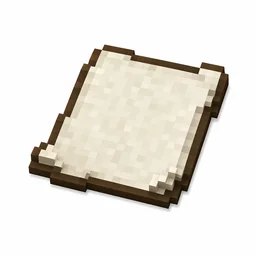
PaperPaper
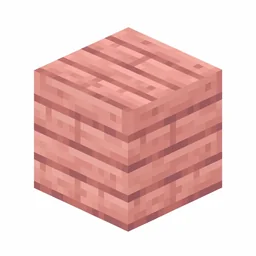
Cherry PlanksCherry Planks

Crafting table recipe — makes 1 × Cartography Table.

PaperPaper
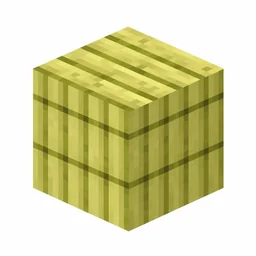
Bamboo PlanksBamboo Planks

Crafting table recipe — makes 1 × Cartography Table.

PaperPaper
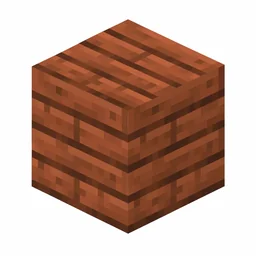
Mangrove PlanksMangrove Planks

Crafting table recipe — makes 1 × Cartography Table.

Cartography Table has 12 crafting recipes in the source data; the first 3 are shown.

Prefer commands? Jump back to the give command matrix above to get Cartography Table instantly.

Cartography Table in Minecraft: Cloning, Expanding, Locking Maps

Quick answer: Use minecraft:cartography_table in Java Edition commands. Craft it from two paper and four planks; it clones maps, zooms them out, adds locators, and locks them with glass panes, and it turns villagers into cartographers.

The four map operations

The table has two input slots, and the second item decides the operation: an empty map clones your map, paper zooms it out one level, a compass adds a position marker on Bedrock-style locator maps, and a glass pane locks the map so it stops updating.

Zooming out is the big one: each level quadruples the covered area, and a map can be expanded several times. Clone before you explore so a death never costs you the only copy of a finished map wall tile.

  • Crafting: 2 paper + 4 wooden planks.
  • Clone: map + empty map; Expand: map + paper.
  • Lock: map + glass pane, freezing the terrain snapshot.

Cartographers and exploration maps

A cartography table assigns the cartographer profession, and leveling that villager unlocks explorer maps to woodland mansions, ocean monuments, and trial chambers. Those maps are the only reliable way to locate mansions without chunk-scanning tools.

Locking a map also protects map-art projects: once locked, later terrain changes never overwrite the artwork, and item frames can display the frozen image permanently.

Cartography Table Command Examples

  • Give 1 to nearest player: /give @p minecraft:cartography_table 1
  • Give 1 to yourself: /give @s minecraft:cartography_table 1
  • Give to a specific player: /give PlayerName minecraft:cartography_table 1
  • Clear from inventory: /clear @p minecraft:cartography_table

Cartography Table FAQ

What is the item ID for Cartography Table?

The item ID for Cartography Table is minecraft:cartography_table. Java Edition commands such as /give, /clear, and /setblock use this namespaced ID.

How do I give myself Cartography Table in Minecraft?

Open the chat window and run /give @p minecraft:cartography_table 1 to give the nearest player one Cartography Table. Replace @p with a player name to target someone else.

How do you craft Cartography Table?

Cartography Table is crafted on a crafting table with 2 papers and 4 cherry planks, which yields 1 Cartography Table.

How do you make a map bigger in Minecraft?

Combine the map with paper on a cartography table to zoom it out one level, up to the maximum zoom. Each step shows four times the area, so finish exploring one zoom level before expanding further.

What does locking a map do?

Locking a map with a glass pane on the cartography table freezes it: terrain changes no longer update the image. Locked maps still display and clone normally, which is essential for map art and archived maps.

How do you get a woodland mansion map?

Level a cartographer villager; journeyman-level cartographers can offer the woodland explorer map for emeralds and a compass. Ocean explorer maps come from the same profession, and trial chamber maps appear at higher levels.
Related Miscellaneous

Item ID: minecraft:crafting_table
Item ID: minecraft:furnace
Item ID: minecraft:chest
Item ID: minecraft:ender_chest
Item ID: minecraft:enchanting_table
Item ID: minecraft:anvil
Item ID: minecraft:beacon
Item ID: minecraft:conduit