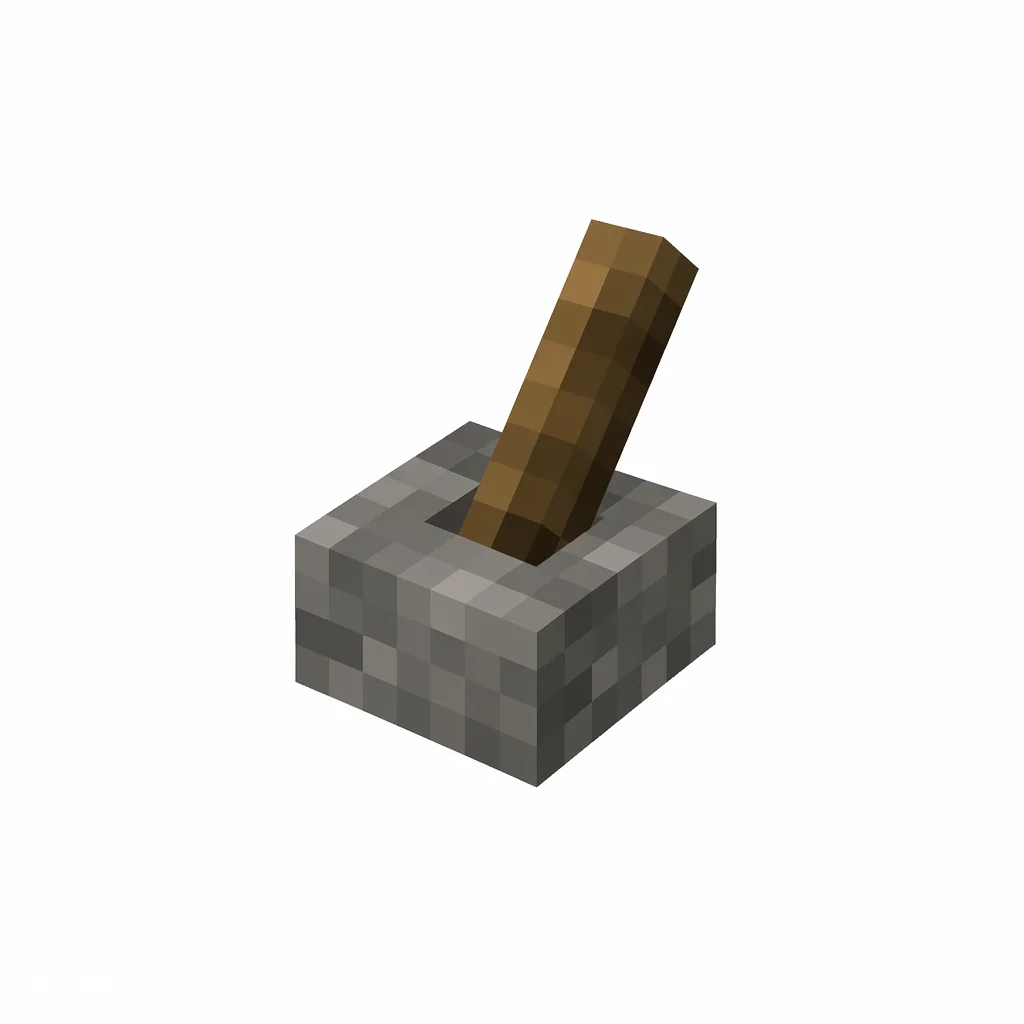


Pixel art illustration of a lever with a gray stone base and a tilted wooden stick handle
Minecraft Java Item ID

Lever ID

Lever is a redstone power source crafted from cobblestone and a stick. It provides a stable on/off signal and is commonly used for doors and machines.

✓ Verified for Java Edition 26.2
Namespaced item ID minecraft:lever

Lever Item Facts

CategoryRedstone
Maximum stack64
Available inSurvival and Creative
Historical numerical ID69

Historical numerical ID: Reviewed for Java Edition 1.12.2 and earlier.

Give Command for Lever

Copy the current Java Edition command, or open the generator to change the player and quantity.

/give @p minecraft:lever 1

Customize this command → View crafting recipe →

Historical command for Java 1.12.2 and earlier

Modern namespaced IDs are recommended. This numerical form is only for old Java releases.

/give @p 69 1

Give command syntax by version

Java 1.13+
/give @p minecraft:lever 1
Namespaced ID (current format)
Java 1.8–1.12.2
/give @p 69 1 0
Numerical ID + data value
Bedrock Edition
/give @p minecraft:lever 1
Same namespaced ID (namespace optional)

Rows appear only when the underlying value is verified: the Java 1.8–1.12.2 row requires a reviewed historical numerical ID, and the Bedrock row appears only when this exact namespaced ID exists in the Bedrock registry.

How to Get Lever

Crafting Recipe

Stick
Cobblestone

Crafting table recipe — makes 1 × Lever.

More Ways to Get It

Craft a Lever from one stick and one cobblestone. A lever provides a simple manual redstone signal that stays on or off until it is toggled again.

  1. Collect a stick and cobblestone.
  2. Craft the Lever in the inventory grid or at a Crafting Table.
  3. Place it beside a compatible block and toggle it to test a redstone circuit.

Prefer commands? Jump back to the give command matrix above to get Lever instantly.

Lever Command Examples

  • Give 1 to nearest player: /give @p minecraft:lever 1
  • Give 1 to yourself: /give @s minecraft:lever 1
  • Give to a specific player: /give PlayerName minecraft:lever 1
  • Clear from inventory: /clear @p minecraft:lever

What Is Lever Used For?

Piston

Use a lever to test a piston door or mechanism.

Command Block

Use a lever as a simple manual command-block trigger.

Lever FAQ

What is the item ID for Lever?

The item ID for Lever is minecraft:lever. Java Edition commands such as /give, /clear, and /setblock use this namespaced ID.

What is the numerical ID for Lever?

Lever has the historical numerical ID 69, used in Java Edition 1.12.2 and earlier. Current versions use minecraft:lever instead.

How do I give myself Lever in Minecraft?

Open the chat window and run /give @p minecraft:lever 1 to give the nearest player one Lever. Replace @p with a player name to target someone else.

How many Lever can stack in one slot?

Lever stacks up to 64 per inventory slot.

How do you craft Lever?

Lever is crafted on a crafting table with 1 stick and 1 cobblestone, which yields 1 Lever.

Sources and Data Review

Item facts were reviewed for Java Edition 26.2 on .

Related Redstone

Item ID: minecraft:redstone
Item ID: minecraft:piston
Item ID: minecraft:command_block
Item ID: minecraft:repeater
Item ID: minecraft:cobblestone
Original pixel art TNT explosive crate icon
Item ID: minecraft:tnt
Item ID: minecraft:comparator
Item ID: minecraft:sticky_piston