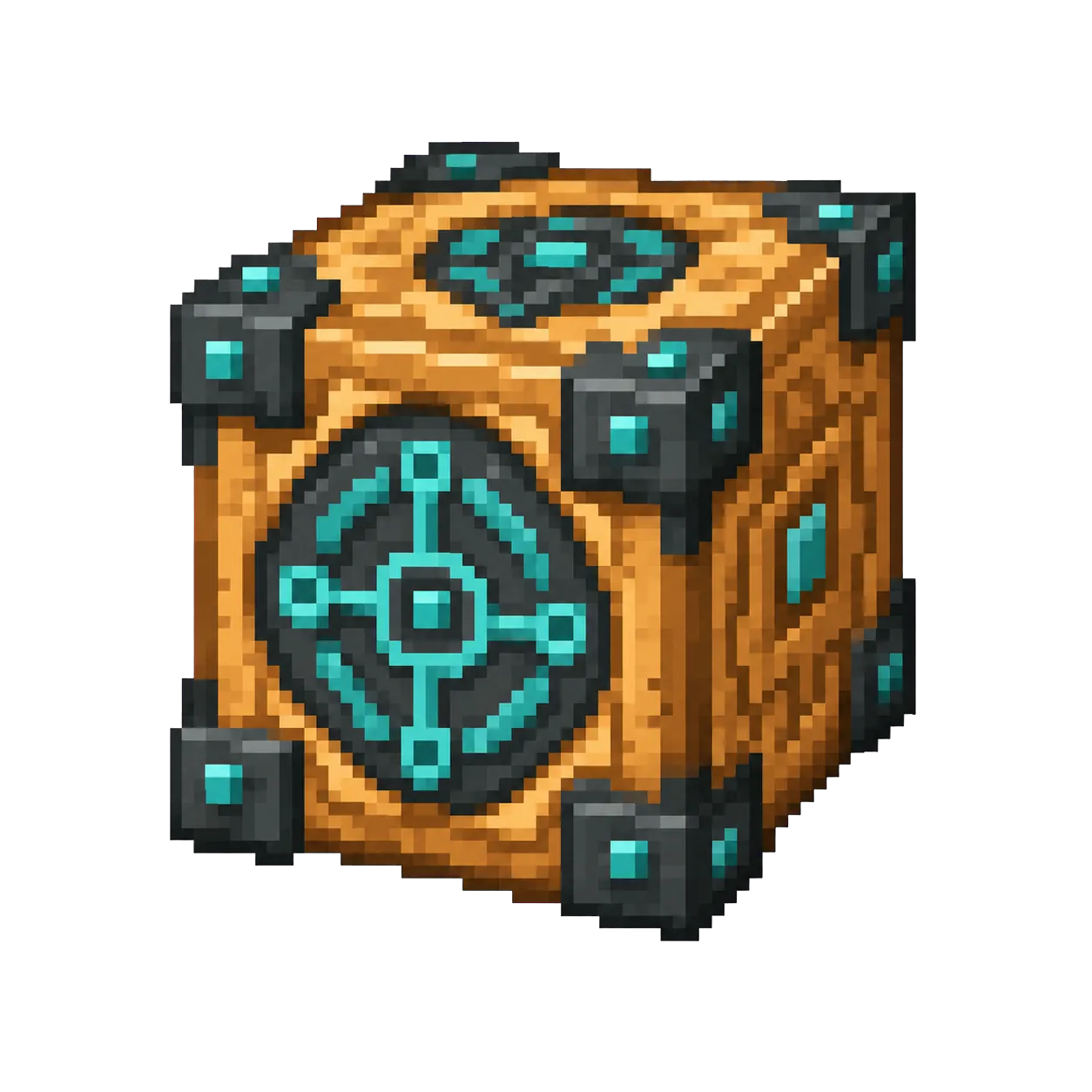
Command Block is an advanced block that executes console commands when powered by redstone. It is only available in Creative mode or with cheats enabled.
Modern namespaced IDs are recommended. This numerical form is only for old Java releases.
/give @p 137 1
Give command syntax by version
Java 1.13+
/give @p minecraft:command_block 1
Namespaced ID (current format)
Java 1.8–1.12.2
/give @p 137 1 0
Numerical ID + data value
Bedrock Edition
/give @p minecraft:command_block 1
Same namespaced ID (namespace optional)
Rows appear only when the underlying value is verified: the Java 1.8–1.12.2 row requires a reviewed historical numerical ID, and the Bedrock row appears only when this exact namespaced ID exists in the Bedrock registry.
How to Get Command Block
Finding Command Block
Command Block cannot be crafted at a crafting table. It must be obtained through normal gameplay.
More Ways to Get It
Command Blocks are not obtained through normal Survival crafting. Players with the required permissions can use a give command, then configure the block with a command and redstone or execution settings.
Make sure cheats or server permissions allow commands.
Use the current command shown on this page to receive a Command Block.
Place it, enter a command, and configure how it will run.
Quick answer: The modern Java item ID is minecraft:command_block. Command blocks are not survival crafting items: you need Creative mode, cheats, or suitable server permissions to obtain and use one.
Get a command block first
Run the one-item give command shown above in a world where commands are enabled, or ask a server administrator for permission. A command block will not be available in ordinary survival crafting recipes, so searching a crafting table will not produce it.
After placing the block, open its interface and begin with a simple command that you can observe immediately. A small test is easier to debug than a long command chain.
Build a safe first test
Place a lever beside the command block, set a simple command such as a message or a give command for yourself, then activate it once. Add redstone components only after that basic version behaves as expected.
On shared servers, command blocks can affect other players and world areas. Test in a disposable world or a controlled area, and avoid copying unreviewed commands that modify large regions.
Confirm cheats or operator permission before testing.
Use a lever for a visible one-time trigger.
Add repeaters or chains only after the first command works.
Command Block Command Examples
Give 1 to nearest player: /give @p minecraft:command_block 1
Give 1 to yourself: /give @s minecraft:command_block 1
Give to a specific player: /give PlayerName minecraft:command_block 1
Clear from inventory: /clear @p minecraft:command_block
Use timing components when building command sequences.
Chain Commands
Combine command blocks carefully to automate map or server behavior.
Command Block FAQ
What is the item ID for Command Block?
The item ID for Command Block is minecraft:command_block. Java Edition commands such as /give, /clear, and /setblock use this namespaced ID.
What is the numerical ID for Command Block?
Command Block has the historical numerical ID 137, used in Java Edition 1.12.2 and earlier. Current versions use minecraft:command_block instead.
How do I give myself Command Block in Minecraft?
Open the chat window and run /give @p minecraft:command_block 1 to give the nearest player one Command Block. Replace @p with a player name to target someone else.
How many Command Block can stack in one slot?
Command Block stacks up to 64 per inventory slot.
Why does the command block give command not work?
The most common causes are disabled cheats, missing server permission, or a command that does not match your Minecraft version. Test the basic current Java command first, then add other logic gradually.
Sources and Data Review
Item facts were reviewed for Java Edition 26.2 on .