Modern namespaced IDs are recommended. This numerical form is only for old Java releases.
/give @p 85 1
Give command syntax by version
Java 1.13+
/give @p minecraft:oak_fence 1
Namespaced ID (current format)
Java 1.8–1.12.2
/give @p 85 1 0
Numerical ID + data value
Bedrock Edition
/give @p minecraft:oak_fence 1
Same namespaced ID (namespace optional)
Rows appear only when the underlying value is verified: the Java 1.8–1.12.2 row requires a reviewed historical numerical ID, and the Bedrock row appears only when this exact namespaced ID exists in the Bedrock registry.
Need a different material? Browse Minecraft Block IDs or compare the related blocks below.
Oak Fence Command Examples
Give 1 to nearest player: /give @p minecraft:oak_fence 1
Give 1 to yourself: /give @s minecraft:oak_fence 1
Give to a specific player: /give PlayerName minecraft:oak_fence 1
Clear from inventory: /clear @p minecraft:oak_fence
Oak Fence FAQ
What is the item ID for Oak Fence?
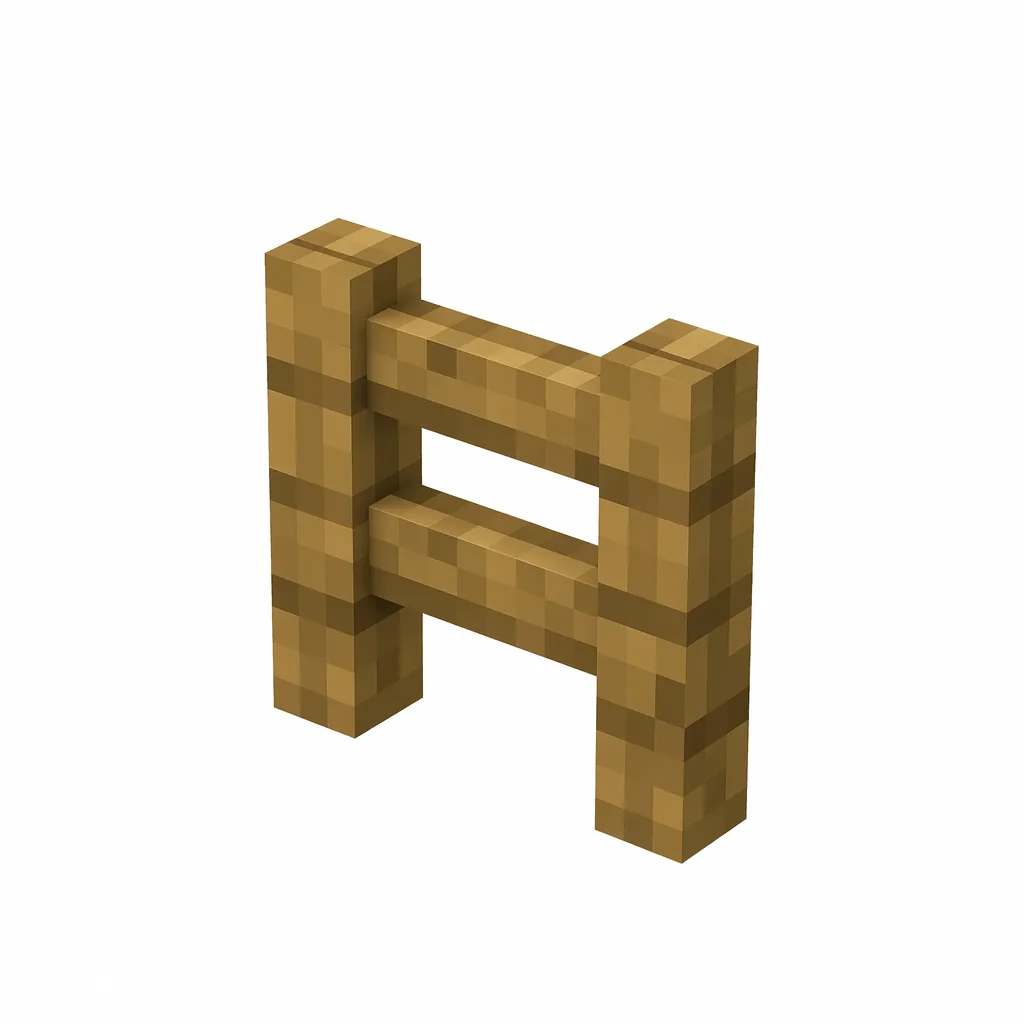
The item ID for Oak Fence is minecraft:oak_fence. Java Edition commands such as /give, /clear, and /setblock use this namespaced ID.
What is the numerical ID for Oak Fence?
Oak Fence has the historical numerical ID 85, used in Java Edition 1.12.2 and earlier. Current versions use minecraft:oak_fence instead.
How do I give myself Oak Fence in Minecraft?
Open the chat window and run /give @p minecraft:oak_fence 1 to give the nearest player one Oak Fence. Replace @p with a player name to target someone else.
How do you craft Oak Fence?
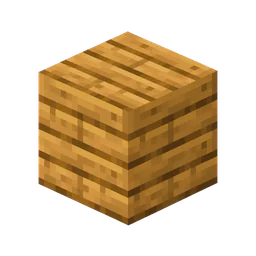
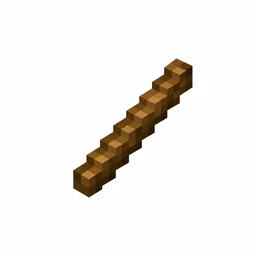
Oak Fence is crafted on a crafting table with 4 oak planks and 2 sticks, which yields 3 Oak Fence.