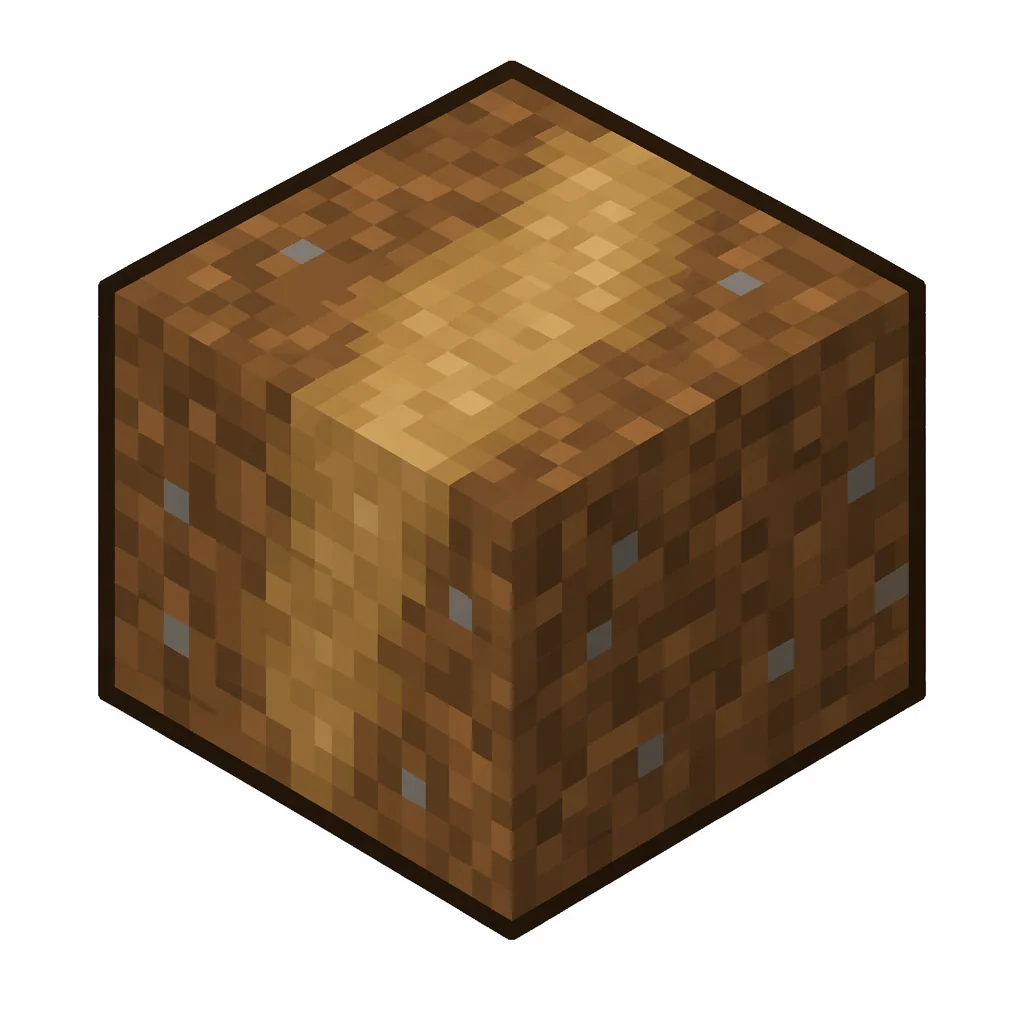
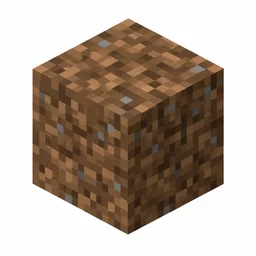
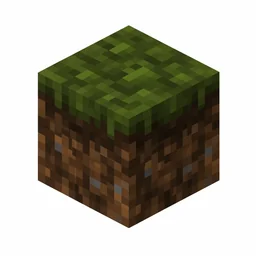
The dirt path, or grass path, is created by using a shovel on grass or dirt, forming natural walkways in villages and gardens. In Java Edition it is only obtainable in Creative mode.
Modern namespaced IDs are recommended. This numerical form is only for old Java releases.
/give @p 208 1
Give command syntax by version
Java 1.13+
/give @p minecraft:dirt_path 1
Namespaced ID (current format)
Java 1.8–1.12.2
/give @p 208 1 0
Numerical ID + data value
Rows appear only when the underlying value is verified: the Java 1.8–1.12.2 row requires a reviewed historical numerical ID, and the Bedrock row appears only when this exact namespaced ID exists in the Bedrock registry.
How to Get Dirt Path
Finding Dirt Path
Dirt Path cannot be crafted at a crafting table. It must be obtained through normal gameplay.
Dirt Path in Minecraft: The Shovel-Made Trail Block
Quick answer: Use minecraft:dirt_path in modern Java commands. Make it by right-clicking grass, dirt, or similar ground blocks with a shovel — a slightly lowered, rustic path block that drops plain dirt when mined.
One shovel click, zero maintenance
Right-click grass blocks, dirt, coarse dirt, podzol, mycelium, or rooted dirt with any shovel and they turn into dirt path: a 15/16-height block with a worn-trail texture. It is the fastest way to mark routes through a base or village, and grass does not grow back over it.
Dirt path is purely cosmetic-functional — it does not speed you up, but mobs and villagers treat it as walkable ground, and its slightly lower height reads as a natural trail. When mined it always drops regular dirt, so re-laying a path costs nothing but shovel durability.
Shovel + right-click on grass/dirt-type blocks = dirt path.
Grass never spreads over a dirt path.
Mining it gives plain dirt — never the path block itself.
Path design tricks
Mix dirt path with coarse dirt, gravel, and rooted dirt for trails that look worn rather than painted on. Because the block is a sixteenth lower, it also makes a subtle edge transition next to farmland and flower beds.
Keep water in mind: dirt path reverts to dirt if a solid block is placed on top, and it cannot be tilted into farmland — use a hoe beside the path, not on it. In villages, relacing the natural paths between houses with dirt path keeps the rustic look while unifying the color.
Build With Dirt Path
minecraft:dirt_path is in the reviewed block catalog. Open a command tool with this ID already selected, then adjust the coordinates in the tool.
Need a different material? Browse Minecraft Block IDs or compare the related blocks below.
Dirt Path Command Examples
Give 1 to nearest player: /give @p minecraft:dirt_path 1
Give 1 to yourself: /give @s minecraft:dirt_path 1
Give to a specific player: /give PlayerName minecraft:dirt_path 1
Clear from inventory: /clear @p minecraft:dirt_path
Dirt Path FAQ
What is the item ID for Dirt Path?
The item ID for Dirt Path is minecraft:dirt_path. Java Edition commands such as /give, /clear, and /setblock use this namespaced ID.
What is the numerical ID for Dirt Path?
Dirt Path has the historical numerical ID 208, used in Java Edition 1.12.2 and earlier. Current versions use minecraft:dirt_path instead.
How do I give myself Dirt Path in Minecraft?
Open the chat window and run /give @p minecraft:dirt_path 1 to give the nearest player one Dirt Path. Replace @p with a player name to target someone else.
How many Dirt Path can stack in one slot?
Dirt Path stacks up to 64 per inventory slot.
How do you make a dirt path in Minecraft?
Right-click a grass block, dirt, coarse dirt, podzol, mycelium, or rooted dirt with any shovel. One click per block.
Can you get dirt path as an item?
Only with commands like /give @p minecraft:dirt_path. Mined in survival it always drops regular dirt.
Does dirt path turn back into grass?
No — grass never spreads over it. It only reverts to dirt if you place a solid block directly on top.
Sources and Data Review
Item facts were reviewed for Java Edition 1.21.11 on .