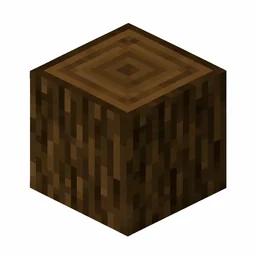
Birch Log Command Examples
- Give 1 to nearest player:
/give @p minecraft:birch_log 1 - Give 1 to yourself:
/give @s minecraft:birch_log 1 - Give to a specific player:
/give PlayerName minecraft:birch_log 1 - Clear from inventory:
/clear @p minecraft:birch_log
What Is Birch Log Used For?
Birch Planks
One Birch Log becomes 4 Birch Planks, a pale wood favored for bright, modern-looking interiors.
Charcoal
Smelt a Birch Log in a furnace to make charcoal for torches and smelting.
Furnace
A Birch Log smelts 1.5 items as fuel; crafting it into planks first quadruples the fuel return.
Building and stripping
The white bark makes natural accent columns in bright builds; use an axe on a placed log to strip it for a smooth pale finish.
Birch Log FAQ
What is the item ID for Birch Log?
The item ID for Birch Log is minecraft:birch_log. Java Edition commands such as /give, /clear, and /setblock use this namespaced ID.
What is the numerical ID for Birch Log?
Birch Log has the historical numerical ID 17 with data value 2, used in Java Edition 1.12.2 and earlier. Current versions use minecraft:birch_log instead.
How do I give myself Birch Log in Minecraft?
Open the chat window and run /give @p minecraft:birch_log 1 to give the nearest player one Birch Log. Replace @p with a player name to target someone else.
How many Birch Log can stack in one slot?
Birch Log stacks up to 64 per inventory slot.
What can you craft with Birch Log?
Birch Log is used to craft Birch Planks, Birch Wood, Smoker, Campfire, and 1 more recipe.
Sources and Data Review
Item facts were reviewed for Java Edition 26.2 on .